Create a free blog easily with the best blogging platform in 2026

Creating a blog for free and easily lets you share posts and photos online! emyspot is the best platform to create a website or a blog that ranks well on Google in 2026. Creating a blog helps you communicate effectively with your visitors and build a community.

You can create an association blog or a news blog, share what is new on your website or the products in your online store, and much more. The possibilities are endless.

Create a blog now

Blog website example

Why create a blog?

Blogs have become a favourite way to keep in touch with internet users. Here is why you should create a blog now, to communicate and be more visible in search results.

Whether you want to create a personal blog or a professional blog, it is very easy to make a free blog!

You can create a standalone blog or add a blog to your website to:

  • share posts with text, videos or photos
  • share advice
  • share your daily life
  • share news and updates on all kinds of topics

Why create a blog?

Free blog templates

Choose from our free blog templates, suitable for every device, and customise your template completely to create a tailor-made blog. With a wide choice of customisable templates, you can create a unique blog, just the way you want it.

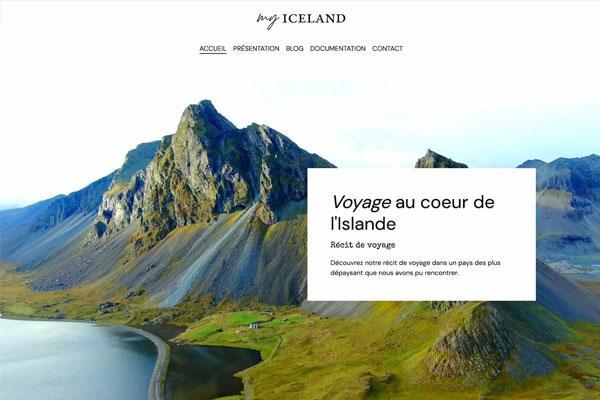
Travel blog template

Travel blog template

Ideal for a travel blog where you share your trips, destinations and best tips, and make your readers dream of getting away.
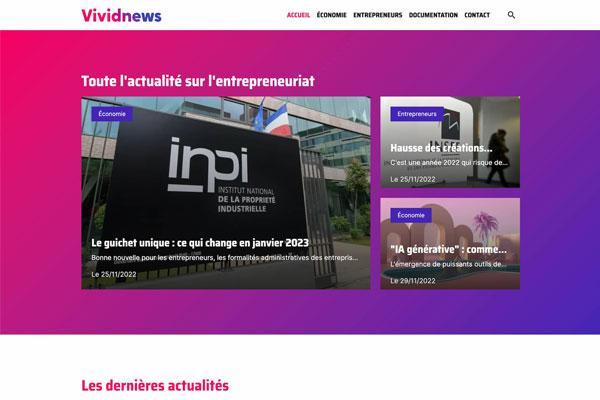
News blog template

News blog template

Perfect for a news blog, an online newspaper or magazine, and for writing about current events.
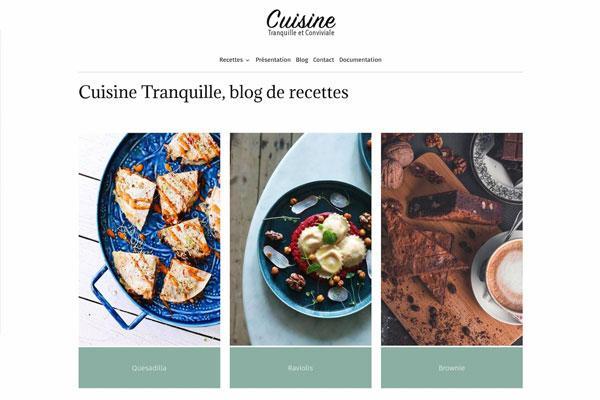
Food blog template

Food blog template

Excellent for a food blog where you share your favourite recipes, your chef's tips and your culinary creations.

Sewing blog template

Sewing blog template

Perfect for a sewing, craft or DIY blog where you share your creations, good ideas, tips and tricks.
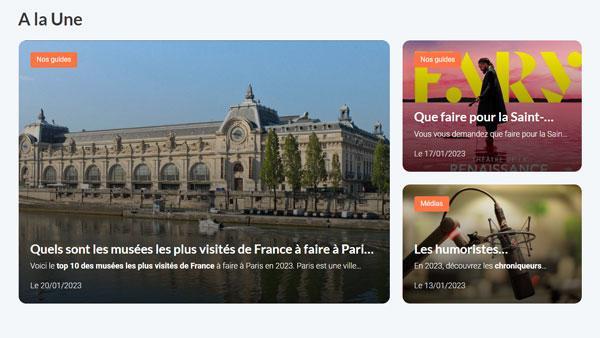
Create a blog simply: why choose emyspot?

With a simple, intuitive and complete solution, you will soon see why you should choose emyspot to create a blog easily. A blog helps you build an audience by publishing posts more regularly than on a website. Keeping a blog is also good for ranking on Google, because search engines value fresh content.

Creating a blog requires no technical skills: the emyspot interface lets budding bloggers quickly join the blogosphere. Discover the features of the emyspot blog add-on.

Simple blogging features

With an intuitive builder and simple blogging features, you can launch your blog very easily.

  • Add posts easily

    Add blog posts easily with a simple interface: text, photos, videos, links and more. Your blog shows exactly what you create in your administration area!

  • Interact with your readers

    To interact with your readers, invite them to leave comments on your blog. It is very simple: you get an alert when a comment is posted, then you can moderate it from your administration area or reply directly.

  • Create a collaborative blog

    If you have approved member accounts for your blog, or created extra webmaster accounts, you can create a collaborative blog. Other users can then post articles on your blog through a fully secure area.

  • Build a loyal readership

    To keep your readers coming back, use the RSS feed of your latest posts, generated automatically. Readers can follow your blog in their feed reader, or your posts can be shared automatically on social networks. You can also display a list of similar posts: an excellent way to keep readers on your blog with another article.

  • Tags on your posts

    Add tags to your blog posts to link them together with precise keywords. You give your posts a theme and improve your organic SEO, while helping readers find your content easily. It is a way to offer cross-navigation on your blog.

  • Sort posts into categories

    A well-organised blog is essential, and it is easy when you can sort your posts into categories. Move posts from one category to another by drag and drop, manage post publication, organise your categories and more.

Advanced blogging features

To go further, use the advanced blogging features and stand out.

  • Add widgets

    To create a dynamic blog, add a range of widgets. For example, show your latest blog posts on your website's home page, display the list of blog categories in your website menu or add a search engine.

  • Share on social networks

    Create a buzz by letting readers share your blog posts on social networks with their friends or followers on Facebook, X (Twitter), Pinterest or LinkedIn.

  • Schedule your blog posts

    To be read more widely, schedule your blog posts for the times when your readers are most present or receptive. Prepare your posts in advance and schedule them for the day and time of your choice. This option gives you a steady flow of posts, even while you are away.

  • Make your blog members-only

    If you only want to share your news with certain people, you can reserve your blog for members. Simply restrict access to the blog's members. For example, you can create a public blog with private categories for your subscribers.

  • A blog that ranks well

    Options at the bottom of each blog post help you create a blog that ranks well and push your posts up the search engines. Optimise your meta tags with the advice in our SEO guide to improve your blog's position in search results.

  • Improve your website's ranking

    A blog lets you add content regularly, which can improve your website's ranking. With blog posts, your website grows and always has recent, updated content. It is excellent to optimise the SEO of your blog on Google.

How do you create a blog?

Create a blog

If you want to get started and are wondering how to create a blog, you are in the right place. Follow these 5 steps to create a free blog right now:

  1. Choose a name for your blog and select a free blog template
  2. Log in to your free emyspot account to access your administration area
  3. Customise the design completely to create a tailor-made blog that reflects you
  4. Add as many blog posts as you like to share your news and updates
  5. Use the features and tools to make your blog dynamic

How do you create a blog?

Create a blog that ranks well on Google

With emyspot, you can very easily create a blog that ranks well on Google. You get a blog builder designed to rank naturally on Google and other search engines: an SEO-friendly blog builder, in its code and its structure, designed to please search engines. You will create a blog that Google values.

A blog is an excellent way to improve your ranking on Google. It lets you add content regularly, so you always have fresh, updated content, which the search engine strongly favours.

You can also customise the meta title and meta description to improve your blog's SEO, and use advanced SEO tools to manage its ranking. Ranking on Google also takes web copywriting and links, which is why we give you SEO advice in our SEO guide, to learn step by step how to make your blog rank well on search engines. Also make the most of our SEO tutorials and resources to push your blog to the top of search results.

Go further in creating your blog

To support you in creating your blog, our support team is here to help and answer all your questions, free of charge.

To find out more, we recommend reading our blogger's guide. This free resource explains how to create a blog from A to Z, or how to add one to your existing website.

That is one of emyspot's strengths: you do not have to choose between a blog and a website. You can add a blog to your website and grow it over time.

Examples of blogs made with emyspot

For inspiration, here are a few kinds of blogs you can create, and blog examples made by emyspot users. From personal blogs to business blogs, you can blog about all kinds of topics. Enough to convince you to start blogging.

Cultural blog example

Create a cultural or arts blog

Create a blog about culture to share cultural events and ideas for outings, and even sell tickets online. Or create an arts blog to share your creations, your works and your musical or artistic performances. Share your art through blog posts and photos, and keep in touch with your community.

Artist website examples

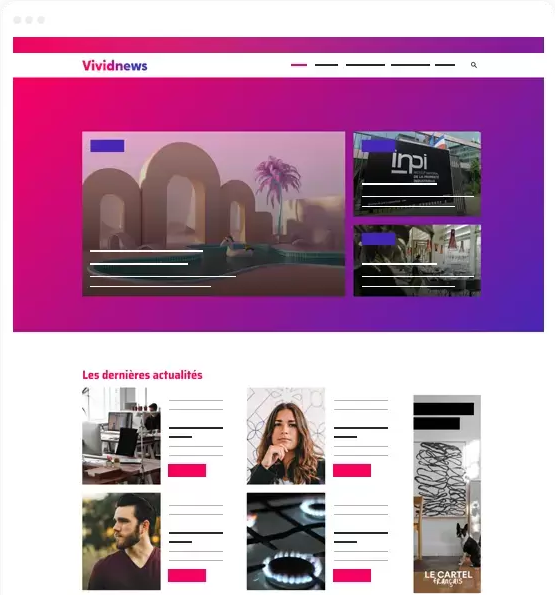
Professional media blog example

Create a professional media site

A professional media site builds a community around shared interests, such as web professionals, encouraging exchanges and constructive debate. It is an opportunity to promote ideas, values or expertise, strengthening the credibility and visibility of a person or a business. A professional media site can also become a source of income through advertising, subscriptions or partnerships.

Blog examples

Business blog example

Create a business blog

Create a professional blog for your business that combines SEO, customisation, speed, security and ease of use. Publish blog posts about your news, your new products and services, your events, life at your company and your industry. Stay in touch with your customers, attract readers who will discover your business, and benefit from regularly updated content that improves your ranking.

Business website examples