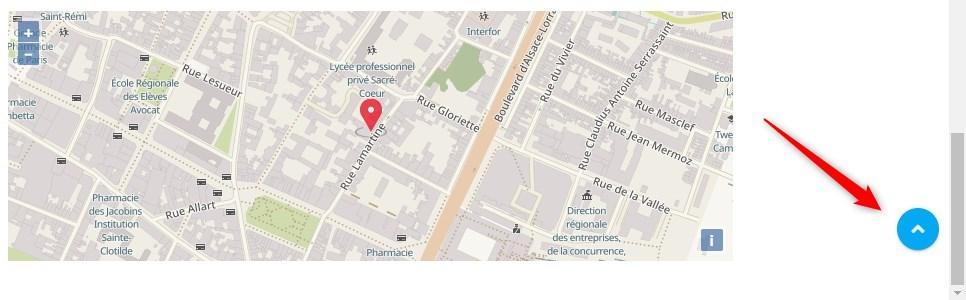
A back-to-top link: what is it?
A back-to-top link in HTML is what is called an anchor. If you want to know more about anchors in general and how to use them, we recommend reading the tutorial Place an anchor in a web page.
To make a return to the top possible, we therefore need to add an anchor that will point to the top of the site.
Insert the "Back to top" link
First, go to Settings > Global settings > Editable zones to edit your footer and insert the link there (this part can be edited from a Pro plan).
In the footer zone, add a row, or a new column, and choose the HTML editor.
Then copy and paste the following HTML link:
<a href="#" class="btn btn-default">Back to top ↑</a>You can change the text Back to top ↑ to something else and replace the classes btn btn-default with btn btn-primary to give your button a different style.
Example:
<a href="#" class="btn btn-primary">Top of page</a>Once you are happy, save.
When you test your link, you will notice that you are taken abruptly to the top of the site.
To counter this behaviour and let the page scroll gently back up, you need to add a CSS rule (supported by most recent browsers).
Still in Settings > Global settings > Editable zones, copy and paste the following CSS code in the CSS styles section and save:
html {
  scroll-behavior: smooth;
}
You can now switch to the visual editor by clicking the relevant button at the top right of the input area and apply other styles to your button.
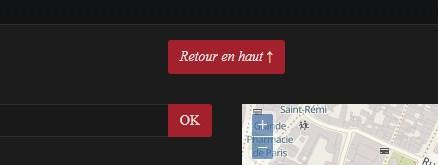
Here, for example, is a centred button in italics.
Good to know
Some themes natively include a button that takes you back to the top.
The button then appears automatically at the bottom right of the page after you have scrolled down far enough.
Feel free to save your current theme's configuration and to try other themes to discover the features they have to offer.